QRBELL Team
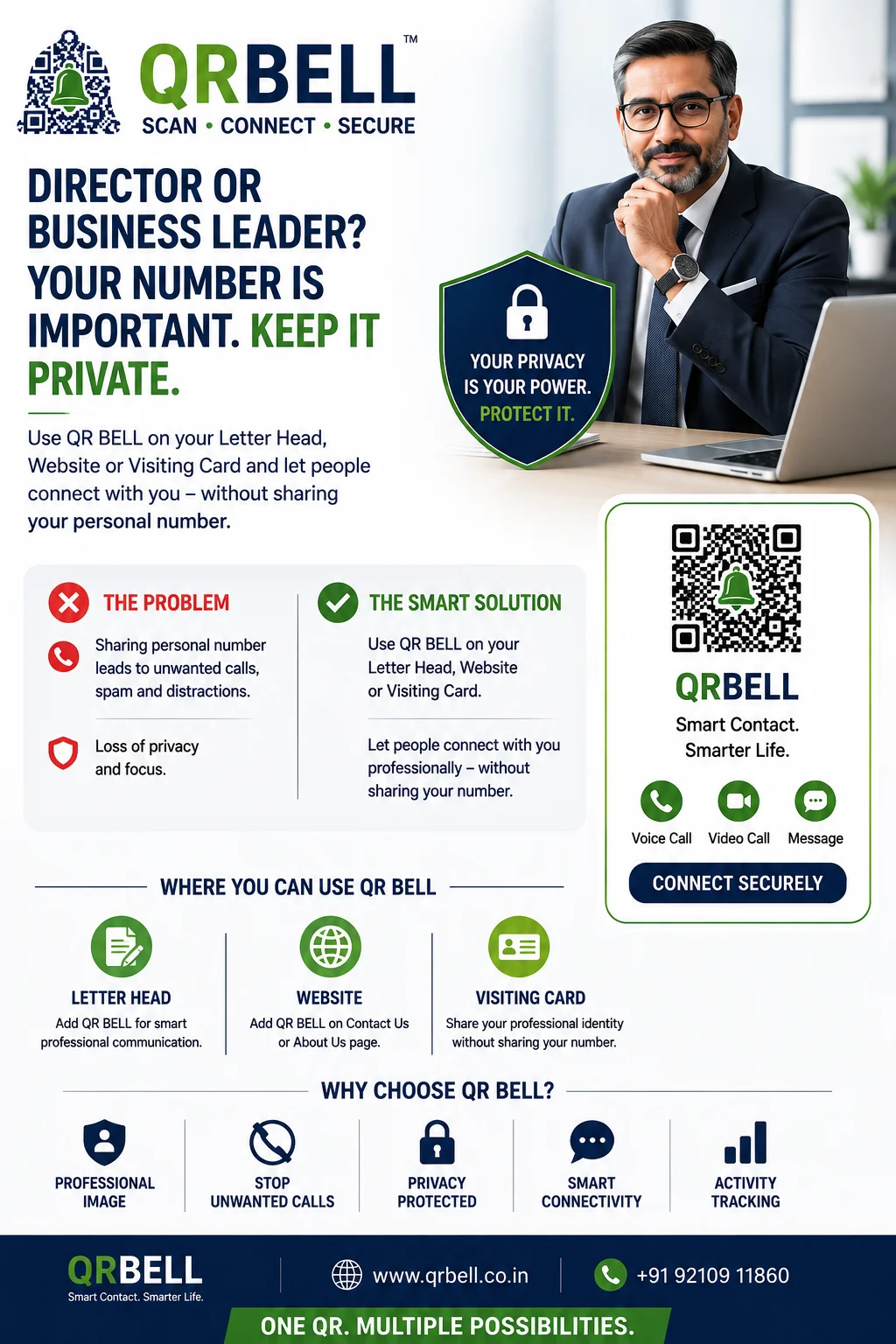
QR BELL for Directors, CEOs & Business Leaders: Keep Your Personal Number Private
A professional way to stay connected without publicly sharing your personal mobile number
In today's business environment, Directors, CEOs, founders, senior executives, consultants and other professionals often need to remain accessible to customers, employees, vendors, visitors and business partners. However, sharing a personal mobile number on every visiting card, letterhead, website, brochure or business document can also lead to unwanted calls, spam and unnecessary interruptions.
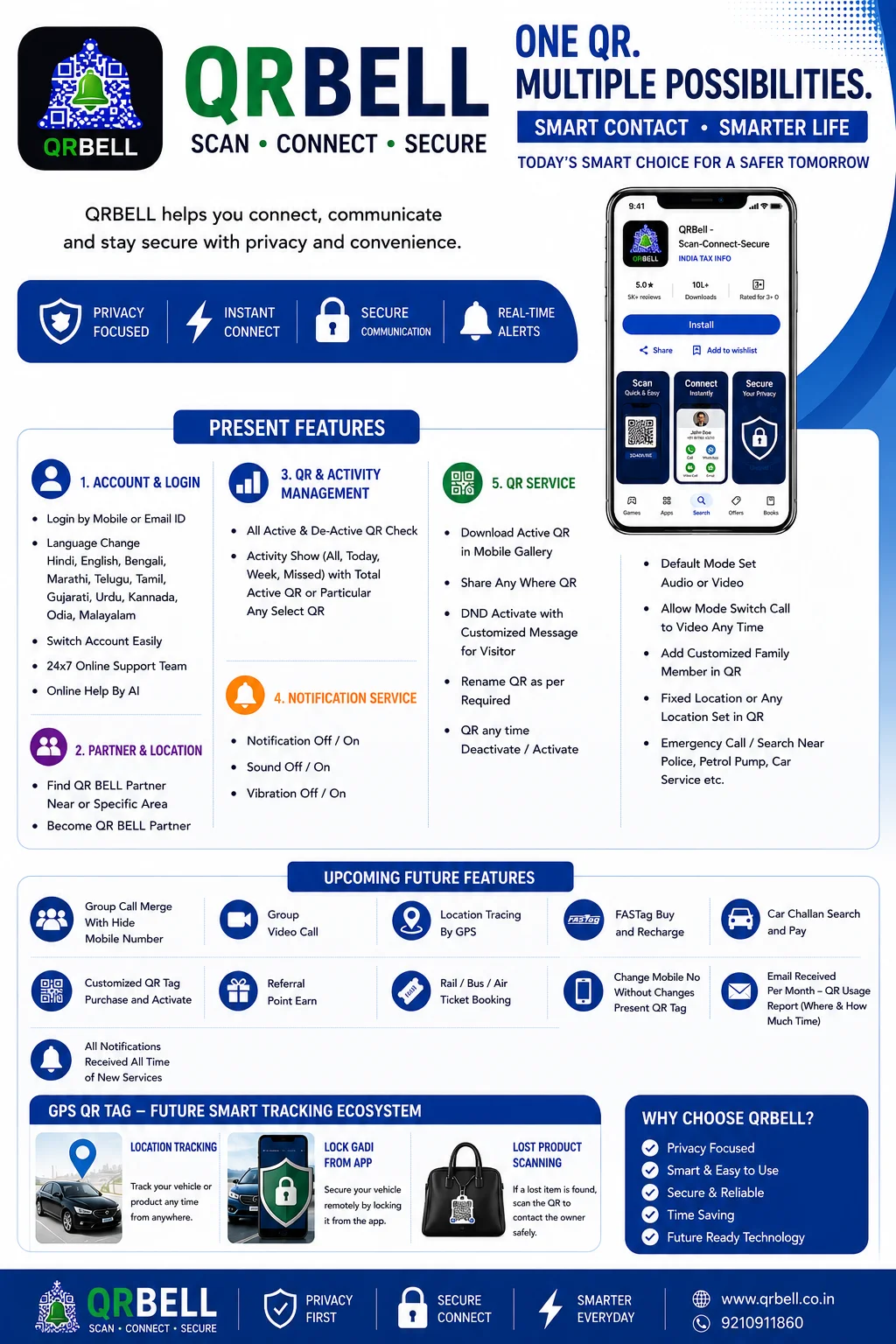
QR BELL offers a smarter alternative: place a QR BELL QR Code on your visiting card, company letterhead or website and allow people to connect with you through a QR-based communication channel instead of publicly displaying your personal number. QR BELL describes its core service as a smart QR-based communication system designed to connect people without sharing personal mobile numbers.
Why Should Business Leaders Protect Their Personal Number?
For a senior professional, a mobile number can quickly become widely circulated.
Once printed on:
- Business cards
- Company letterheads
- Websites
- Company profiles
- Brochures
- Presentations
- Public directories
- Marketing materials
the number may be copied, forwarded or saved by people outside the intended professional network.
This can result in:
- Unwanted calls
- Marketing calls
- Spam messages
- Unnecessary interruptions
- Repeated calls outside business hours
- Loss of personal privacy
For a Director or senior executive, protecting personal communication is therefore not just about convenience—it is also about maintaining professional boundaries and privacy.
The QR BELL Solution
Instead of printing your personal mobile number everywhere, you can display a QR BELL QR Code.
For example:
On Your Visiting Card
Scan QR BELL to Connect
On Your Company Letterhead
For Direct Communication – Scan QR BELL
On Your Website
Need to Contact Our Director?
Scan QR BELL
The visitor simply scans the QR Code and uses the available communication option.
QR BELL's official website describes the visitor experience as: place the QR, let the visitor scan it, and receive an alert or call, without requiring traditional wiring or hardware for its core QR solution.
How Does It Work?
The process is simple:
1. Add QR BELL
Place your QR BELL QR Code on your:
Visiting Card | Letterhead | Website | Profile | Business Document
2. Visitor Scans
A customer, employee, vendor or other authorized contact scans the QR Code using a smartphone.
3. Connect Securely
The available QR BELL communication flow allows the visitor to connect without requiring your personal number to be publicly displayed.
4. You Decide How to Respond
You remain in control of your communication and can use the supported contact options.
Where Can Directors Use QR BELL?
💼 Visiting Card
Instead of printing your personal mobile number prominently on your visiting card, add:
“Scan to Connect via QR BELL”
This gives your card a modern, technology-driven and privacy-focused identity.
📄 Company Letterhead
A QR BELL Code can be placed on official company correspondence.
For example:
Direct Communication
Scan QR BELL to Connect
This can be particularly useful for Directors, CEOs, Partners, Consultants and senior management.
🌐 Company Website
A QR BELL contact option can be incorporated into relevant areas such as:
- Contact Us
- Leadership Profile
- Director Profile
- Management Team
- Investor Relations
- Business Enquiry
- Customer Support
This can provide visitors with another way to initiate communication.
Why QR BELL Can Be Useful for Senior Professionals
🔒 Privacy-Focused Communication
Keep your personal mobile number away from public-facing documents and provide a dedicated QR-based contact route instead. QR BELL's official materials emphasize privacy and communication without personal-number sharing.
📞 Professional Connectivity
Customers and business contacts can have a convenient way to reach the intended professional without searching for or publicly distributing a personal number.
🚫 Reduce Unwanted Calls
Keeping a personal number off publicly distributed materials can help reduce exposure to unsolicited calls and marketing communication.
💼 Professional Image
A QR-based contact system gives a traditional visiting card or letterhead a more modern digital identity.
📱 Easy for Visitors
The visitor can simply use a smartphone camera to scan the QR Code. QR BELL states that visitors do not need an app for its core scanning experience.
QR BELL Is More Than a Contact QR
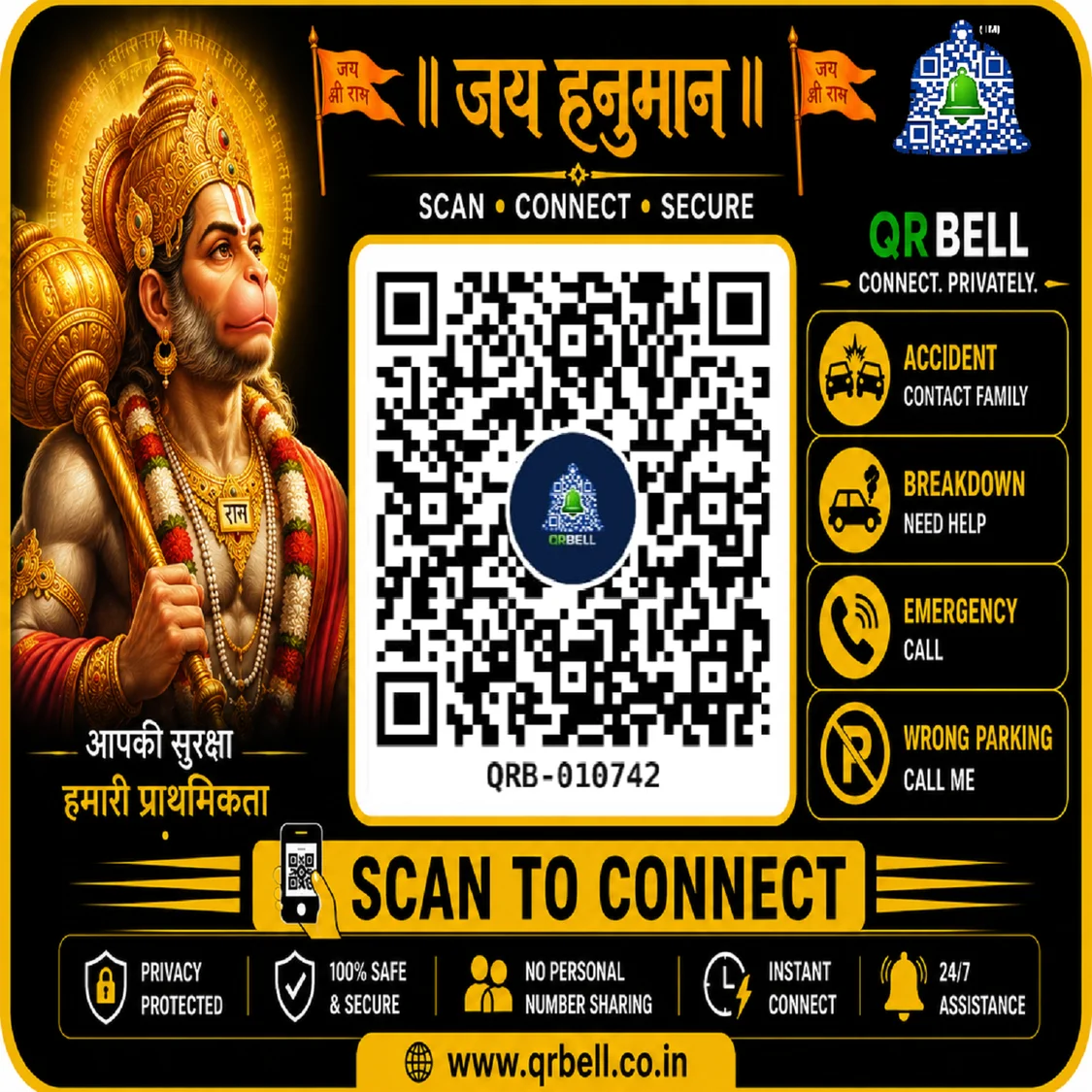
The broader QR BELL concept is designed for multiple environments, including homes, vehicles, offices, deliveries, shops, apartments/RWAs and fleet/logistics.
For business professionals, however, one particularly useful application is:
Professional QR Contact
Your Identity.
Your Privacy.
Your Choice.
A Smart Alternative to Printing Your Personal Number
Traditional approach:
Name → Designation → Company → Personal Mobile Number
Modern approach:
Name → Designation → Company → QR BELL
The QR Code becomes the digital gateway through which people can initiate the available communication.
This means your professional identity remains public, while your personal contact information does not have to be publicly printed everywhere.
Ideal For
QR BELL can be particularly relevant for:
- Directors
- CEOs
- Managing Directors
- Founders
- Entrepreneurs
- Business Owners
- Senior Managers
- Corporate Executives
- Doctors
- Lawyers
- Chartered Accountants
- Consultants
- Professionals
- Public-facing Business Leaders
Make Your Visiting Card Smarter
Your visiting card represents your professional identity.
Instead of filling it with multiple phone numbers and contact details, you can create a cleaner experience:
YOUR NAME
Director | CEO | Founder
Company Name
Scan QR BELL to Connect
This creates a simple bridge between your physical professional identity and digital communication.
Make Your Website Smarter
A company website may receive visitors from customers, investors, suppliers, employees and business partners.
Instead of publishing a personal mobile number openly, businesses can consider providing a QR BELL contact option alongside their existing official communication channels.
For example:
Need to Connect With Our Director?
Scan QR BELL
Scan • Connect • Secure
Privacy Does Not Mean Being Unreachable
The objective is not to stop communication.
The objective is to make communication controlled and professional.
Instead of:
“Here is my personal number. Call me anytime.”
Consider:
“Scan QR BELL to connect with me.”
This creates a more structured communication experience while keeping your personal number away from unnecessary public exposure.
QR BELL for Corporate Communication
Businesses can also explore QR BELL for:
- Management Contact
- Visitor Communication
- Office Reception
- Meeting Rooms
- Company Vehicles
- Parking Communication
- Customer Communication
- Business Enquiries
- Delivery Communication
- Property Management
QR BELL's published use cases include offices, meeting rooms, shops, warehouses, rental properties and vehicle-related communication.
The Smart Professional Approach
Your personal mobile number is valuable information.
You don't need to print it everywhere simply because people need a way to contact you.
Give them a smarter way to reach you.
Use QR BELL.
Scan • Connect • Secure
Frequently Asked Questions
Can I put QR BELL on my visiting card?
Yes. A QR BELL QR Code can be used as a digital contact option on a professional visiting card.
Can I put QR BELL on my company letterhead?
Yes. A QR Code can be incorporated into the design of a company letterhead as a dedicated contact option.
Can QR BELL be added to a website?
Yes. Businesses can integrate a QR BELL contact option into suitable website pages.
Does the visitor need the QR BELL app?
For the core visitor scanning experience, QR BELL says visitors can scan the code using their phone without installing an app.
Will my personal number be publicly printed?
The purpose of this use case is to avoid publicly displaying your personal mobile number and instead provide a QR-based communication route.
Is QR BELL only for Directors?
No. It can also be useful for CEOs, founders, entrepreneurs, consultants, professionals, businesses and anyone who wants a more privacy-focused way to receive contact requests.
Can I use it alongside my official company number?
Yes. QR BELL can complement existing business contact channels. It does not require you to remove your official company contact information.
Is QR BELL a replacement for emergency services?
No. QR BELL is a communication technology and should not be considered a replacement for official emergency services.
Conclusion
In a professional world where privacy, accessibility and digital communication are increasingly important, senior professionals do not necessarily need to choose between being reachable and protecting their personal number.
With QR BELL, a Director, CEO, Founder or business leader can place a QR-based contact option on a visiting card, company letterhead or website, giving people a convenient way to connect while reducing the need to publicly display a personal mobile number.
Don't make your personal number public just to stay connected.
Put QR BELL on your professional identity.
SCAN • CONNECT • SECURE
Visit QR BELL Official Website
QR BELL – Smart Contact. Smarter Life.