QRBELL Team
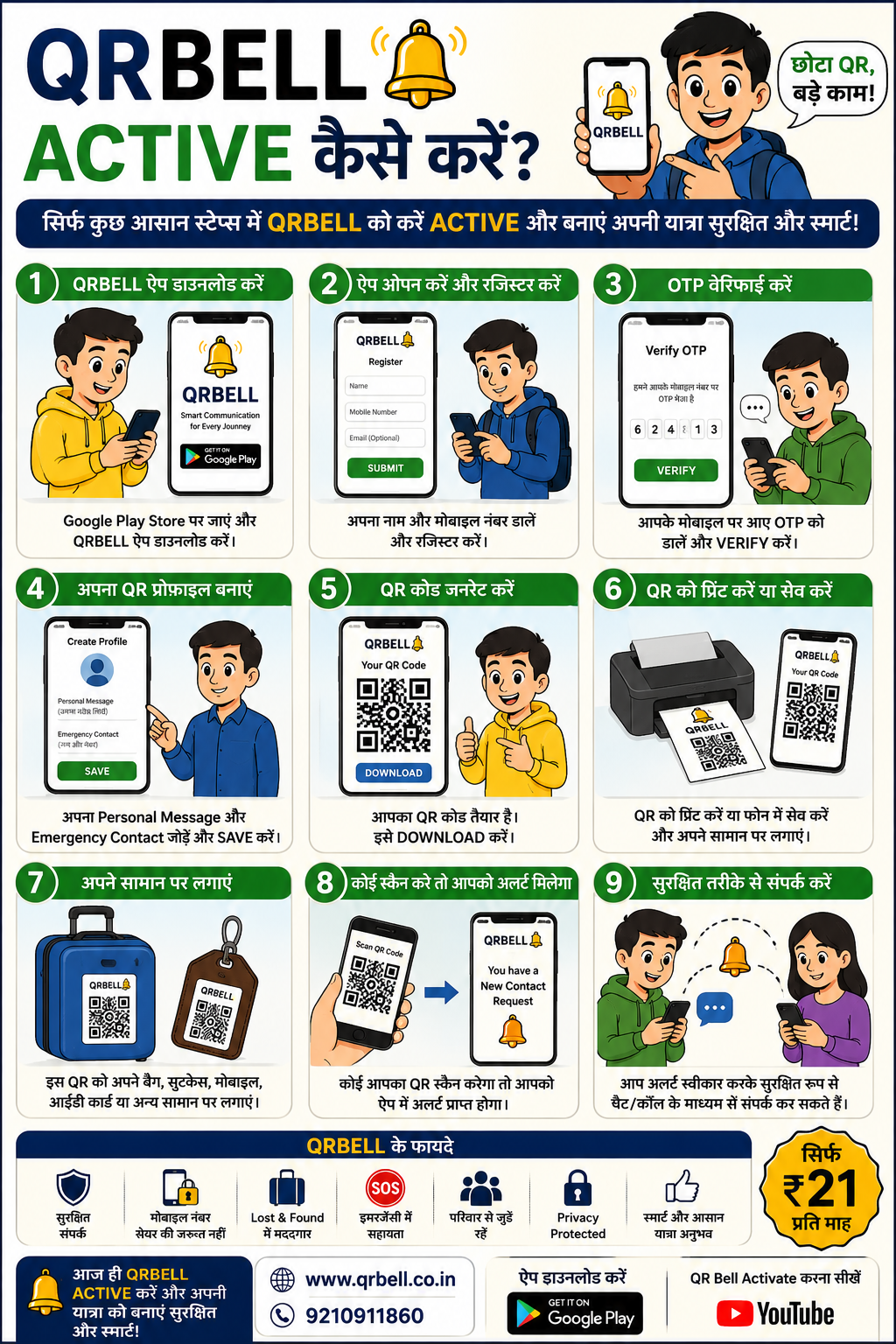
QRBELL Activation Guide – सिर्फ 2 मिनट में QRBELL Activate करें
QRBELL क्या है?
QRBELL एक Smart QR-Based Communication Platform है जो आपको बिना Mobile Number Share किए लोगों से सुरक्षित संपर्क करने की सुविधा देता है।
चाहे आप:
🚗 Vehicle Owner हों
🎒 Student हों
🧳 Traveler हों
🏢 RWA Member हों
📦 Business Owner हों
QRBELL आपके लिए एक Smart Communication Solution है।
QRBELL Activate करना क्यों जरूरी है?
QRBELL खरीदने के बाद उसे Activate करना आवश्यक है ताकि:
✅ आपका QR आपके Account से Link हो जाए
✅ Contact Requests आपको मिल सकें
✅ Secure Communication शुरू हो सके
✅ Privacy Protection Features काम कर सकें
QRBELL Activate करने के लिए क्या चाहिए?
सिर्फ:
📱 Android Mobile Phone
📶 Internet Connection
📞 Active Mobile Number
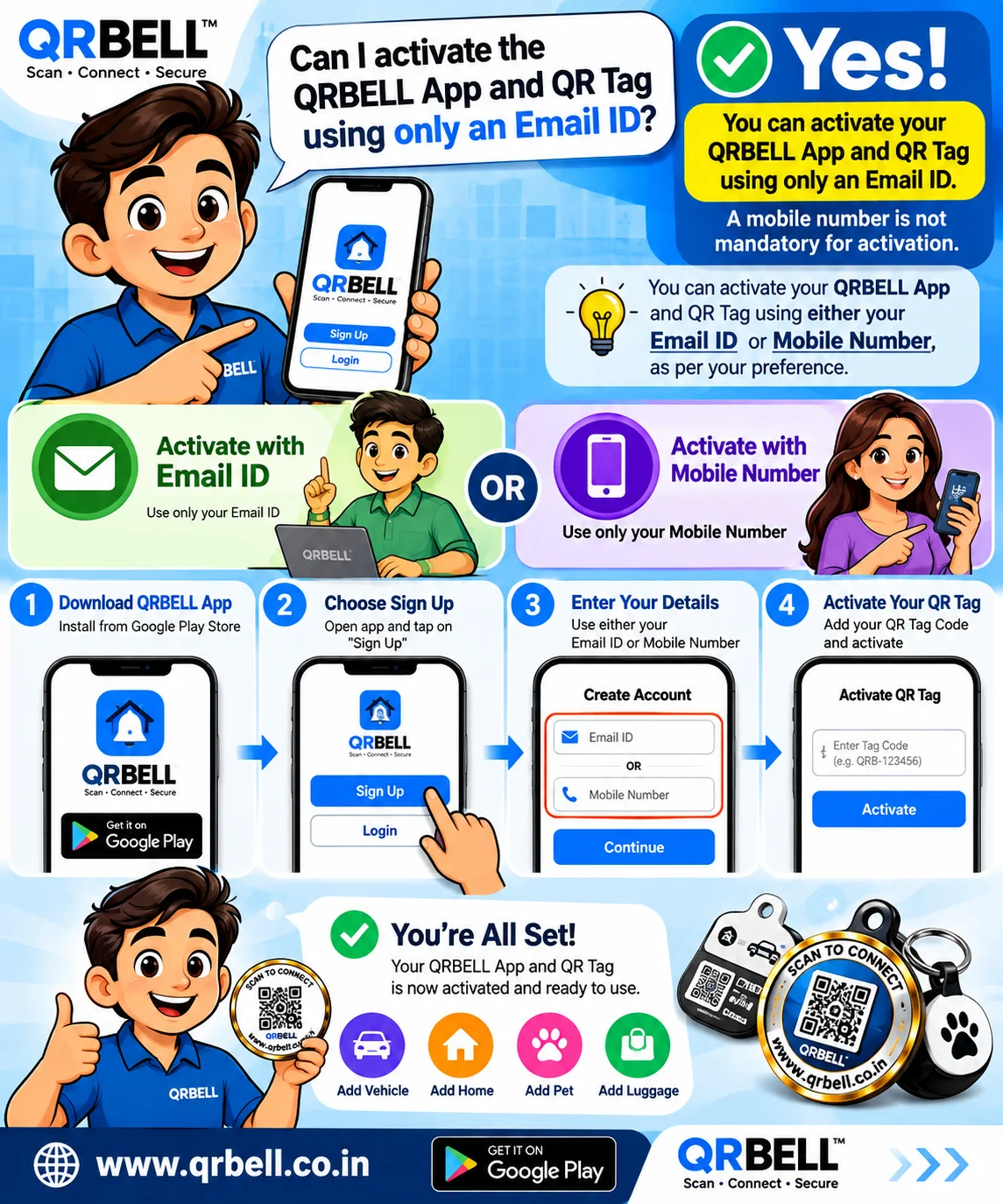
Step-by-Step QRBELL Activation Process
Step 1: QRBELL App Download करें
सबसे पहले QRBELL App डाउनलोड करें।
📲 App Download Link:
https://play.google.com/store/apps/details?id=com.itaxinfo.qrbell&pli=1
Step 2: QR Scan करें
अपने QRBELL QR Code को Mobile Camera या QR Scanner से Scan करें।
QR Scan करने के बाद Activation Page खुलेगा।
Step 3: QR Details Verify करें
Activation Screen पर:
🔔 QR Number दिखाई देगा
जैसे:
QRB001234
यह Confirm करें कि वही QR Activate करना है।
Step 4: Name और Category चुनें
अब:
👤 अपना नाम दर्ज करें
या
🚗 Vehicle Number दर्ज करें
फिर अपनी Category चुनें:
- Vehicle
- Person
- Child
- Bag
- Business
- Property
आदि।
Step 5: Mobile Number दर्ज करें
अब अपना Mobile Number दर्ज करें।
ध्यान रखें:
🔒 यह Number केवल Verification और Account Management के लिए उपयोग होगा।
QR Scan करने वाले व्यक्ति को आपका Number दिखाई नहीं देगा।
Step 6: OTP Verify करें
📩 Send OTP पर क्लिक करें
आपके Mobile पर OTP आएगा।
OTP दर्ज करें और Verify करें।
Step 7: Activate QRBELL
अब:
🔔 Activate QR Bell
Button पर क्लिक करें।
कुछ सेकंड में आपका QRBELL Activate हो जाएगा।
QRBELL Activate होने के बाद क्या होगा?
अब जब कोई व्यक्ति आपका QR Scan करेगा:
📲 आपको Notification मिलेगा
📞 Secure Contact Request आएगी
🔒 Mobile Number Share नहीं होगा
🤝 दोनों पक्ष सुरक्षित तरीके से संपर्क कर सकेंगे
QRBELL कहाँ-कहाँ उपयोगी है?
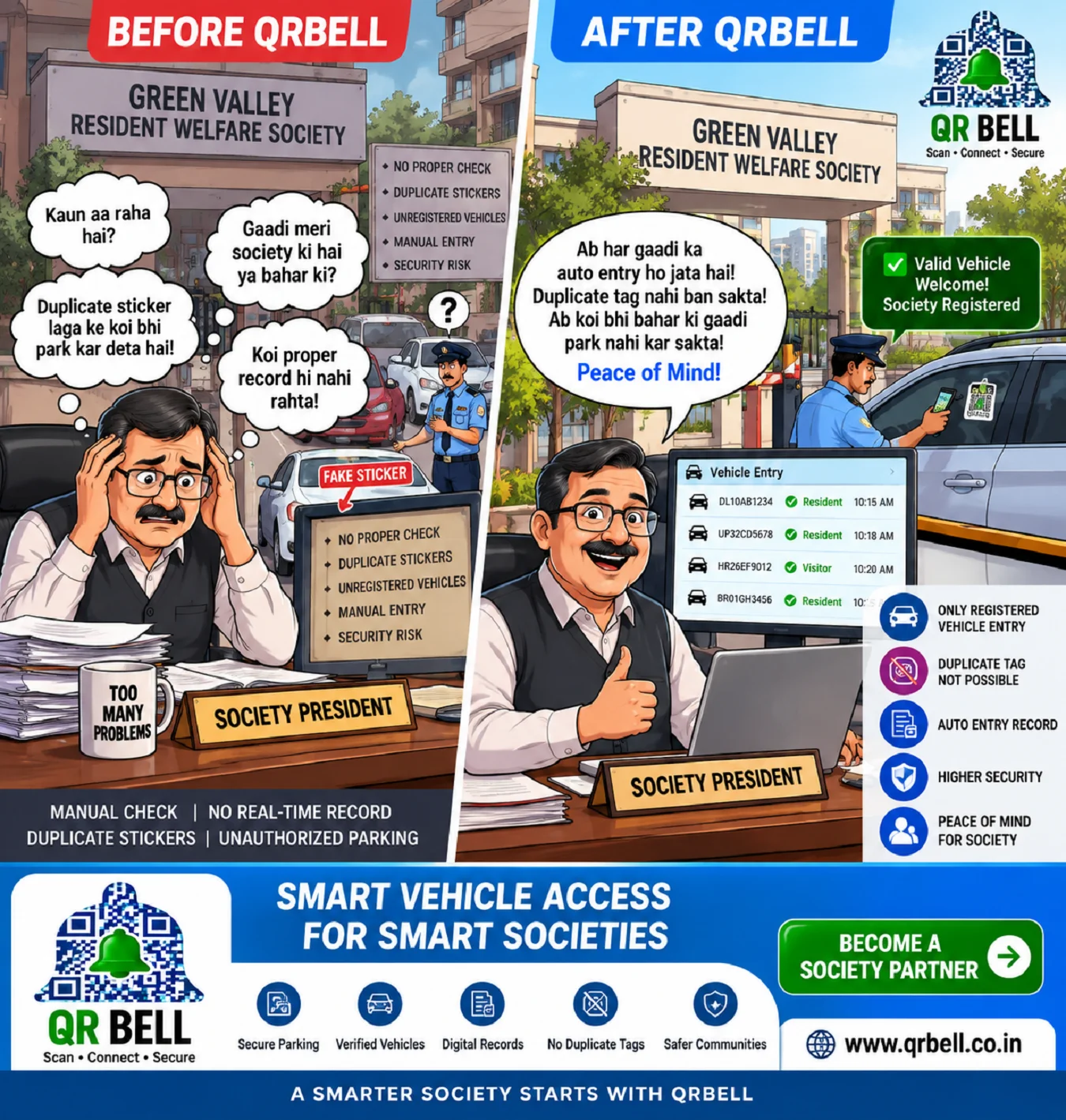
🚗 Vehicle Owners
Parking Problems के लिए
🎒 Child Safety
School Bag और ID Card के लिए
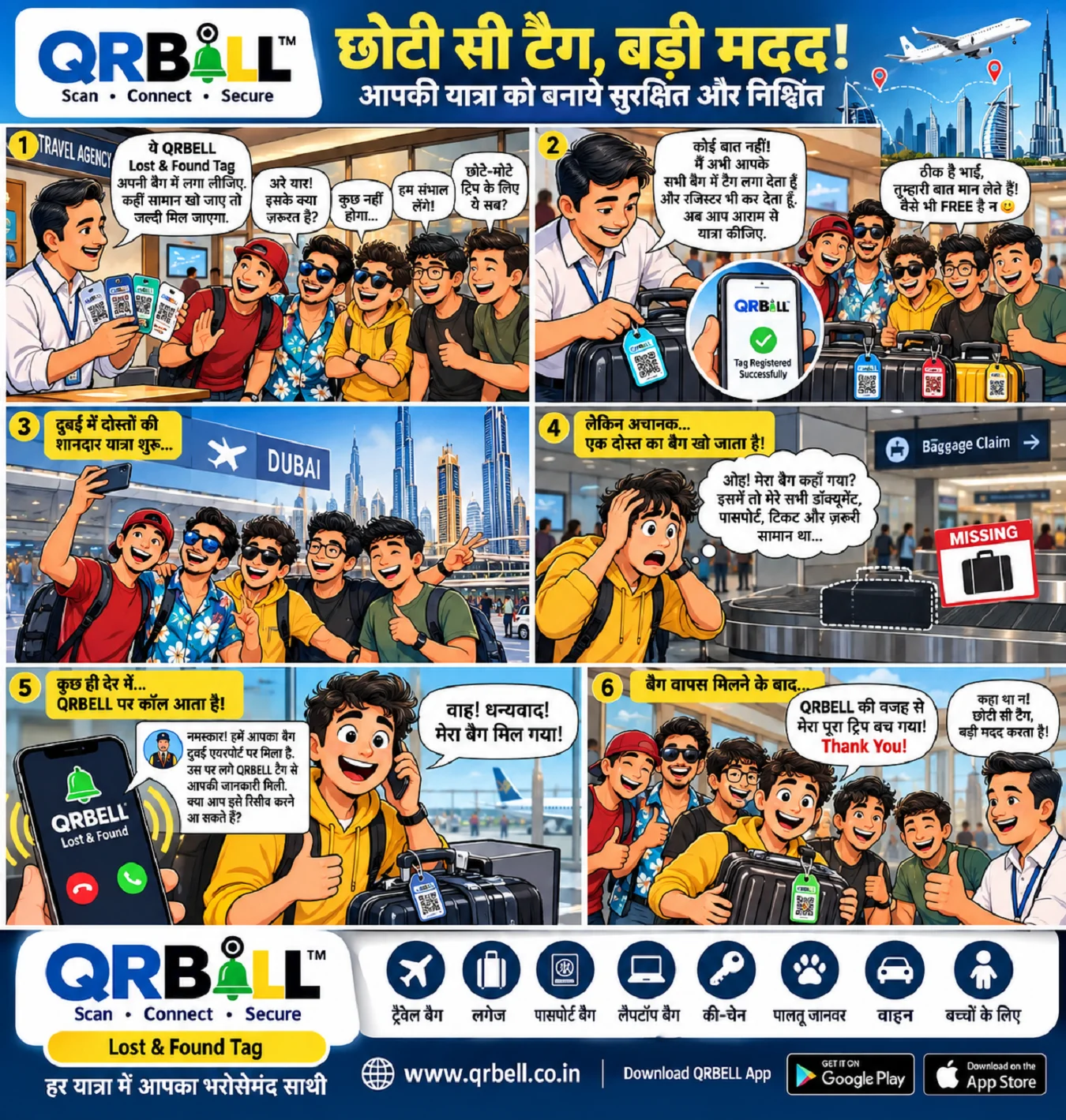
🧳 Travel & Luggage
Lost & Found Support के लिए
🏢 RWA & Societies
Resident Communication के लिए
📦 Logistics & E-Commerce
Parcel Tracking और Customer Communication के लिए
🌍 Business Use
Customers और Partners से Smart Communication के लिए
QRBELL की मुख्य विशेषताएँ
✅ No Mobile Number Sharing
✅ Secure Communication
✅ Privacy First Technology
✅ Smart QR Connectivity
✅ Easy Activation
✅ User Friendly Interface
✅ Made in India 🇮🇳
QRBELL क्यों चुनें?
आज के समय में Privacy और Communication दोनों महत्वपूर्ण हैं।
QRBELL आपको देता है:
🔒 Privacy
📲 Smart Connectivity
⚡ Instant Communication
🛡️ Better Security
निष्कर्ष
QRBELL Activate करना बेहद आसान है।
सिर्फ 2 मिनट में आप अपने QR को Activate करके सुरक्षित और स्मार्ट Communication की दुनिया में प्रवेश कर सकते हैं।
🔔 QRBELL – छोटा QR, बड़े काम!
🌐 Website:
📵 Mobile:
9210911860
📲 App Download Link:
https://play.google.com/store/apps/details?id=com.itaxinfo.qrbell&pli=1
🎥 How to Activate QR Bell: